GoBasey · Blog
How to Improve Productivity at Work: The Hidden Cost of Too Many Tools
Busy all day but still not making the progress you expected? Too many disconnected tools might be slowing you down. Discover the hidden costs of app overload and explore 7 practical ways to improve productivity and simplify your workflow.
You open your laptop in the morning and check your project management app to see what's on your schedule. Then you search through cloud storage for a client file, review your meeting notes, and open another app to catch up on messages from your team.
You haven't started your actual work yet, but you've already moved between several platforms just to gather the information you need.
The same pattern continues throughout the day. By the evening, you look at your to-do list and realize you've made less progress than you expected.
So, how can you improve productivity at work?
When trying to become more productive, we often turn to time management techniques, automation, or the latest productivity apps. But sometimes, the best place to start is by examining how we already work.
For teams using multiple digital tools, information scattered across different platforms can create unnecessary work and make even simple tasks take longer.
What Is Work Productivity, and How Can You Measure It?
Work productivity describes the relationship between the resources spent on a task and the results achieved.
The number of tasks someone completes during the day can be useful information, but it doesn't always reflect the quality or value of their work.
Imagine two employees who each complete five tasks in one afternoon. One handles minor document updates, while the other resolves a complicated customer issue. Counting completed tasks alone wouldn't provide a meaningful comparison.
A more useful approach considers the quality of the work, delivery times, and how much time employees spend on activities that don't directly contribute to the final result.
Searching for documents, entering the same information into different systems, or repeatedly asking colleagues for project updates can consume a surprising amount of the working day.
What Is Tool Sprawl?
As companies grow, their collection of digital tools tends to grow with them.
A team might begin with a task management platform and gradually add separate apps for document sharing, communication, meeting notes, and project planning.
There's nothing inherently wrong with using specialized software. Designers need design tools, developers rely on code management platforms, and finance teams require accounting systems.
Problems can arise when different applications begin serving overlapping purposes or when important information becomes scattered across multiple platforms.
This situation is commonly known as tool sprawl.
Research from Asana's Work Innovation Lab highlights the potential impact. According to the findings, employees spend an average of 57 minutes per day switching between collaboration tools and another 30 minutes deciding which tool to use for a particular task.
These figures represent averages from the employees included in the research, but they illustrate how managing digital tools can become a task of its own.
A team might use five different applications for one project. The important questions are what each application contributes and how information moves between them.
Why Does Constantly Switching Between Apps Make Work Harder?
Imagine you're preparing an important report.
You're reviewing the data when a message arrives about an unrelated project. You respond, open another document, make a quick change, and return to your original report.
Now you need to remember which figures you were examining and where you left off. You might even need to reread part of your work before you can continue.
This experience is related to a concept known as context switching.
Of course, moving between applications isn't always disruptive. Switching from a document to a spreadsheet while working on the same project can be a natural part of the process.
The difficulty comes from repeatedly shifting your attention between unrelated tasks.
Microsoft's 2025 Work Trend Index research also highlights the intensity of digital interruptions. Among the 20% of Microsoft 365 users with the highest notification activity, meetings, emails, and chats generated an interruption or notification approximately every two minutes during working hours.
In the same research, 48% of surveyed employees described their work as chaotic and fragmented.
For people working in software development, content creation, research, or strategic planning, frequent interruptions can make it more difficult to maintain concentration.
One practical adjustment is to establish specific times for checking non-urgent messages. Teams can still keep a separate communication channel for genuinely time-sensitive issues without treating every notification as an immediate priority.
The Hidden Costs of Using Too Many Work Tools
When businesses evaluate their software expenses, subscription fees are often the first thing they consider.
But the actual cost of digital tools extends beyond monthly invoices.
Searching for the latest file: Imagine having three versions of the same presentation stored on different platforms. Before making changes, employees need to identify which version is current.
Losing track of decisions: When an important decision is shared in a messaging app but never added to the project record, the team may end up discussing the same issue again days later.
Onboarding new employees: New team members need to understand more than their responsibilities. They also have to learn where information is stored, which communication channels to use, and how different applications fit together.
Entering information multiple times: Copying a customer request from an email into a task manager and then into another tracking spreadsheet takes time and increases the risk of inconsistent information.
AI tools don't automatically eliminate these problems either. When project information is spread across several platforms, employees may still have to upload documents and provide the same background information repeatedly.
Individually, these activities might take only a few minutes. But when they become part of the daily routine, they can consume time that could otherwise be spent on meaningful work.
Identifying where these delays occur is often the first step toward improving the workflow.
7 Practical Ways to Improve Productivity at Work
Before investing in another productivity app, take a closer look at how your team currently works.
You may discover that some of your biggest productivity challenges can be addressed without adding more software.
1. Make a List of Your Existing Tools
Start by identifying the applications your team uses for task management, file sharing, note-taking, and communication.
Include both officially approved software and any additional tools employees use independently.
2. Define the Purpose of Each Application
Determine what problem each tool solves, who uses it, and how frequently it's needed.
This makes it easier to identify applications that offer meaningful value and those that may have become unnecessary.
3. Look for Repeated Work
Are employees updating the same task on multiple platforms? Are meeting notes manually transferred into another system?
Identifying repetitive activities can reveal opportunities to simplify everyday processes.
4. Establish a Single Source of Truth
Decide where your team will maintain essential project information, including responsibilities, deadlines, progress updates, and important decisions.
When everyone knows where to find the latest information, there's less need to search through emails and messages.
5. Review Notifications and Communication Habits
Not every message requires an immediate response.
Consider establishing communication guidelines that distinguish urgent requests from routine updates. This can help employees protect their focus without sacrificing collaboration.
6. Keep the Specialized Tools You Actually Need
There's no reason to abandon professional design software, development platforms, or accounting systems simply to reduce your app count.
Focus on creating a clear workflow between specialized tools and the workspace your team uses for everyday coordination.
7. Measure the Results of Your Changes
Track what happens after adjusting your workflow.
For example, you could monitor how long employees spend searching for files, how frequently information must be entered twice, or how often tasks are delayed by missing updates.
Reviewing these patterns over a couple of weeks can help determine whether the changes are making a difference.
You don't need to implement every suggestion at once. Begin with the issue your team encounters most frequently and evaluate the results before moving on.
Organize Your Work Your Way with GoBasey
Not every team works the same way.
A content team might prioritize editorial calendars and shared documents, while a software team needs visibility into task progress. For a small business, coordinating client projects and everyday responsibilities may matter most.
GoBasey is built around the idea that a workspace should adapt to the people using it.
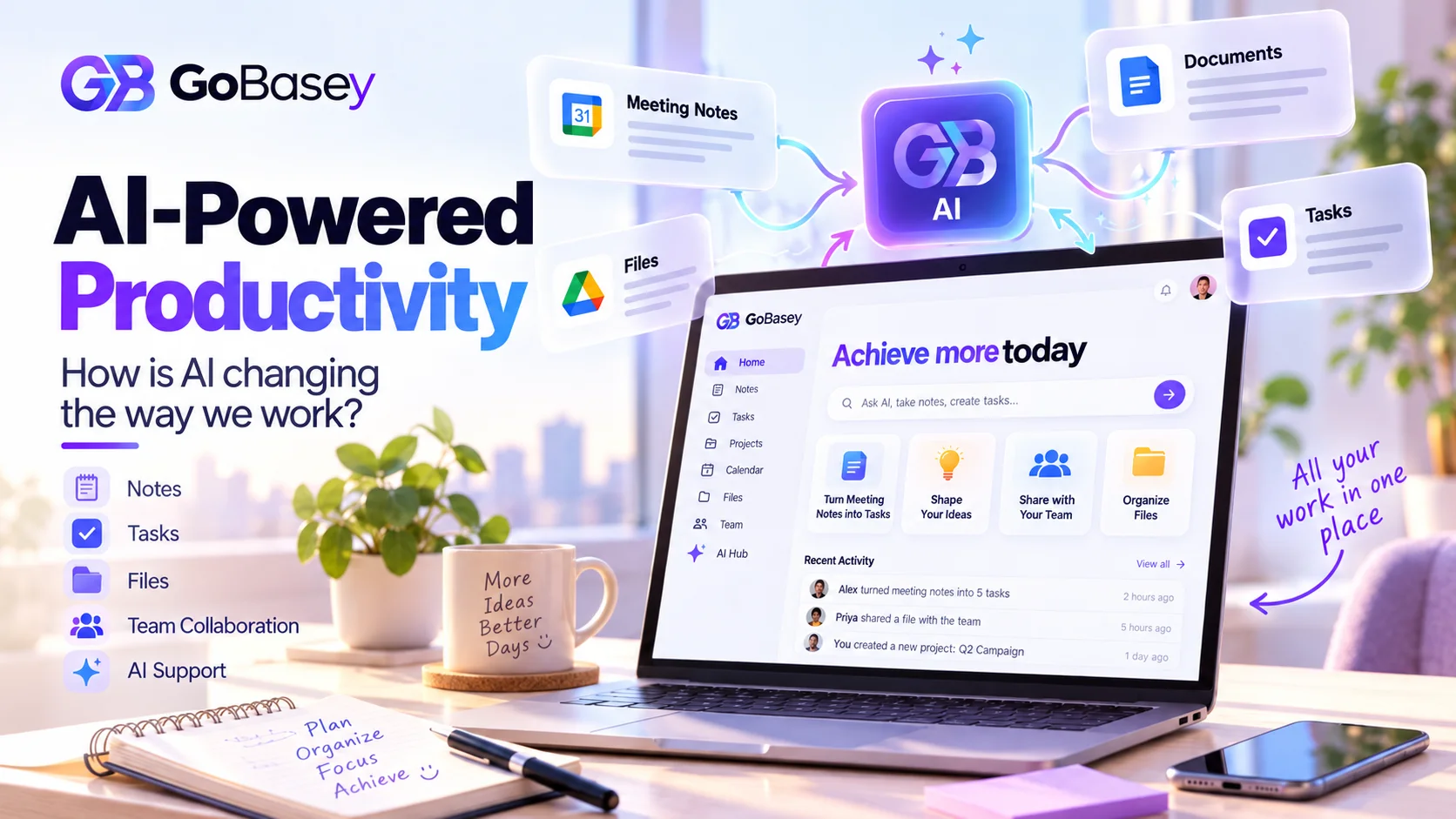
By bringing notes, tasks, projects, and team collaboration into a shared environment, GoBasey helps users organize their daily work without constantly moving between disconnected tools.
Teams can create a workspace where they plan activities, track progress, and keep important information organized according to their needs.
This flexibility is at the heart of GoBasey's philosophy: Your Base. Your Way.
The goal isn't to replace every specialized application. It's to give individuals and teams a central place to organize their work and coordinate everyday activities.
Explore GoBasey and discover a more flexible way to manage your workspace at gobasey.com.
Final Thoughts: Better Productivity Starts with Better Work Habits
There's no universal formula for improving productivity at work.
One team might benefit from clearer task assignments, while another needs a better system for organizing shared files and decisions.
Before searching for another productivity tool, examine the challenges that slow down your daily work.
Can employees find the information they need? Is everyone clear about their responsibilities? Are the same updates being repeated across different applications?
Your answers can reveal which parts of your workflow deserve attention.
Digital tools should make it easier to organize tasks, collaborate, and get meaningful work done.
Sometimes, the most useful change isn't adding another app. It's finding a better way to use the tools you already have.
Sources
Related articles
Notion Alternative 2026: When GoBasey May Be a Better Fit
Notion is a powerful docs, database, project, and AI workspace. Compare Notion and GoBasey by workflow fit, task execution, review, files, AI, and team operations before switching.
AI and Productivity: How AI Is Changing the Way We Work
Explore how AI is changing workplace productivity, where it saves time, where it falls short, and why context and workflow matter more than adding more AI tools.
GoBasey AI Workspace: Notes, Files, and Team Flow in One Place
A practical product overview for teams that want notes, files, AI assistance, and execution context in one calm workspace.