GoBasey · Blog
AI and Productivity: How AI Is Changing the Way We Work
Explore how AI is changing workplace productivity, where it saves time, where it falls short, and why context and workflow matter more than adding more AI tools.
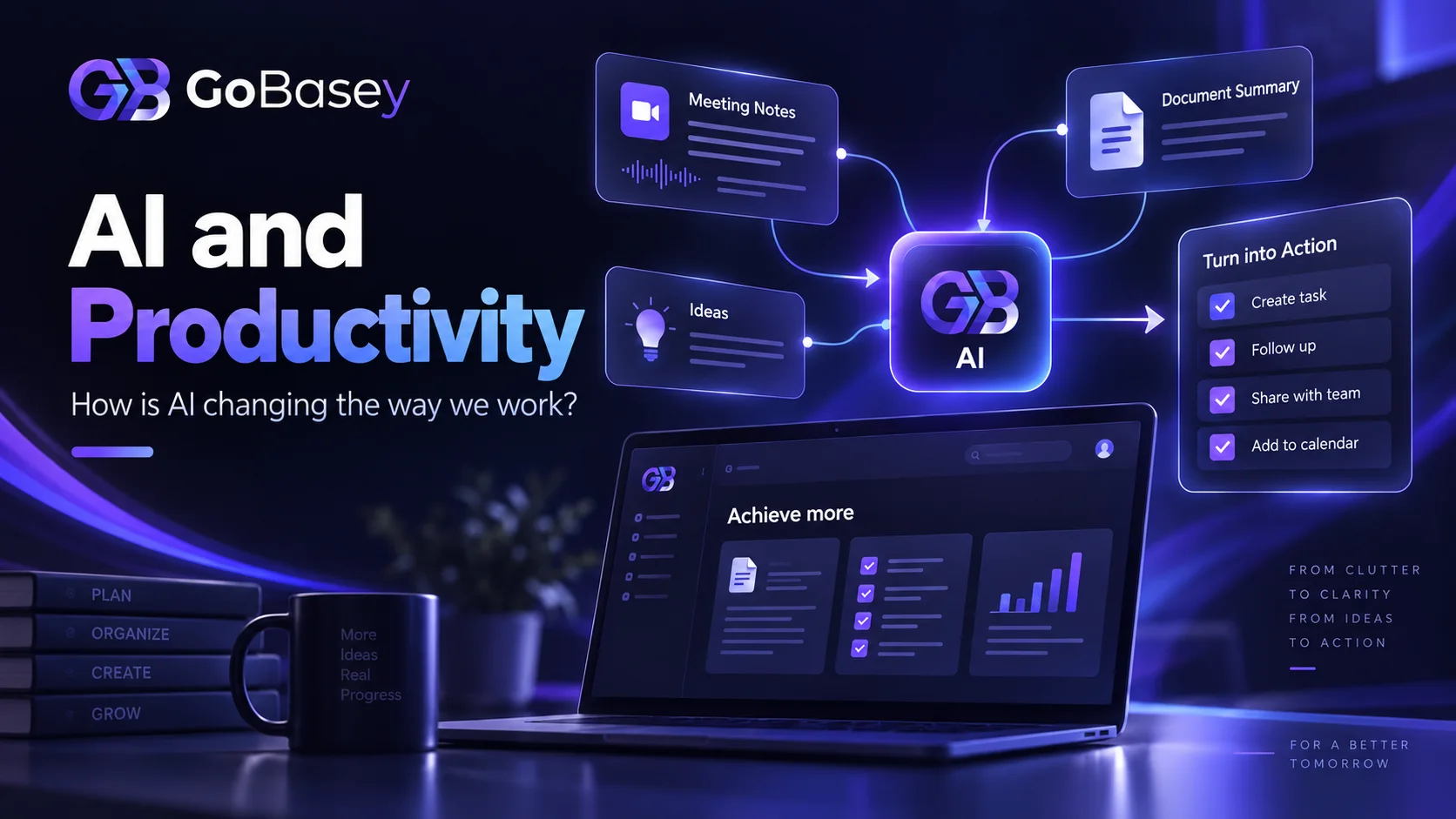
Turning meeting notes into action items. Summarizing a long report. Creating the first draft of a project plan. Finding the important detail buried in pages of information.
Each of these tasks can take anywhere from a few minutes to several hours.
AI can make them faster.
But there is an important distinction:
Doing a task faster is not the same as building a more productive way of working.
AI is no longer limited to generating text inside a chatbot. It is becoming part of how teams research, summarize information, organize tasks, prepare drafts, find knowledge, plan work, and automate parts of everyday workflows.
The bigger shift is not simply that AI can do more.
It is that AI is moving closer to the work itself.
Microsoft's 2026 Work Trend Index, based on a survey of 20,000 AI users across 10 countries alongside Microsoft 365 productivity signals, found that AI is expanding what people can do. The report also argues that the organizations seeing the greatest value are not simply giving employees access to AI tools; they are redesigning how work happens around them.
So the more useful question is no longer:
“Which AI tool should I use?”
It is:
“Where should AI fit into the way I already work?”
That distinction matters.
Because AI productivity is not about collecting more tools. It is about placing AI where it can reduce friction, preserve context, and help people spend more time on work that actually requires human judgment.
What Does AI Productivity Mean?
AI productivity is the use of artificial intelligence to reduce the time, effort, or cognitive load involved in repetitive, information-heavy, or time-consuming work.
That does not mean handing every task over to AI.
Think about a project manager reviewing notes from a 40-minute meeting.
Without assistance, they may need to reread the notes, identify decisions, turn those decisions into tasks, decide who owns each task, and determine the next steps.
AI can help with the first part.
It may be able to:
- identify action items,
- summarize key decisions,
- highlight unresolved issues,
- break larger pieces of work into smaller tasks,
- prepare a first draft of the next steps.
But the team still needs to decide:
- whether those tasks are actually necessary,
- who should own them,
- which ones matter most,
- when they need to be completed.
That is why AI works best as a support layer for human work, rather than a replacement for human judgment.
How Is AI Changing the Way We Work?
The effect of AI at work goes far beyond completing the same task a little faster.
It is beginning to change what happens at different stages of the work itself.
1. AI Makes It Easier to Get Started
Starting is often the hardest part of knowledge work.
The first sentence of an email.
The first outline of a project.
The first structure for a report.
AI can provide that initial starting point.
For example, it can help prepare:
- email drafts,
- project plan outlines,
- meeting agendas,
- content structures,
- customer-response drafts,
- report frameworks.
The value is not that the first output is perfect.
It usually is not.
The value is that you are no longer starting from an empty page.
You can review the draft, add context, remove what does not fit, and make the final decision yourself.
2. AI Helps Teams Make Sense of Too Much Information
For many teams, the problem is no longer a lack of information.
It is the opposite.
Meeting transcripts, reports, customer feedback, messages, documents, project updates, and task descriptions can quickly create more information than anyone has time to process.
AI can help reduce that load by:
- summarizing long documents,
- identifying the most important points,
- grouping similar information,
- finding relevant sections,
- restructuring complex information into a clearer format.
There is one important limitation.
AI needs access to the right context.
If the latest project update is in one system, the relevant document is somewhere else, and the final decision only exists in a chat thread, AI may struggle to understand which information matters.
That makes context increasingly important.
The future of workplace AI may depend less on whether a product “has AI” and more on whether AI can work with the real context of the work.
3. AI Can Turn Meetings into Clearer Next Steps
A meeting does not create value simply because it happened.
The value usually comes afterward.
What was decided?
Who is responsible?
What needs to happen next?
When is it due?
AI can help move teams from conversation to action by extracting tasks and follow-ups from meeting notes.
Imagine a meeting note that says:
The new landing page should go live on Friday. Sarah will finish the copy and James will review the mobile design.
AI could help turn that into:
Task 1: Finalize landing page copy Owner: Sarah Due: Friday
Task 2: Review mobile design Owner: James Due: Friday
That is useful.
But the real productivity gain appears when those tasks stop being text inside an AI response and become part of the team's actual workflow.
Where Can AI Improve Productivity?
AI does not create the same amount of value in every type of work.
It tends to be most useful when there is repetition, information processing, or a clear starting structure.
Drafting
AI can help prepare first versions of:
- emails,
- meeting agendas,
- short reports,
- task descriptions,
- content outlines,
- project summaries.
The human role shifts toward reviewing, improving, checking, and making the final call.
Summarization
AI can help you understand the shape of a long document before reading every detail.
You might ask:
“What are the three most important problems in this report?”
or:
“List the decisions and unresolved action items from this meeting.”
Used carefully, this can reduce the amount of time spent manually sorting information.
Task Breakdown
Large projects often begin as vague goals.
For example:
Launch the new website.
That is not yet a manageable task.
AI can help break it down into steps such as:
- Define requirements
- Create the sitemap
- Prepare the design
- Write the content
- Complete development
- Test the mobile experience
- Run SEO checks
- Test forms
- Launch
The output still needs review, but it gives the team a practical place to begin.
Information Organization
AI can also help structure unorganized information.
Imagine receiving 50 pieces of customer feedback.
AI could help group them into categories such as:
- feature requests,
- bugs,
- usability issues,
- pricing feedback.
The team can then review the categories and decide what deserves attention.
Research Preparation
AI can be useful at the beginning of a research process.
For example, it can help:
- map a topic,
- generate research questions,
- surface different perspectives,
- explain unfamiliar concepts.
But AI-generated answers should not replace primary sources when accuracy matters.
Legal, financial, technical, medical, current-event, and other high-stakes information should still be verified independently.
Does AI Actually Improve Productivity?
The evidence is promising, but the answer is more complicated than a simple yes.
A Microsoft Research study published in August 2026 examined Microsoft 365 activity across several large international organizations. Among users who used the AI system more than 100 times during the study period, AI adoption was associated with a 21.2% increase in productivity-oriented application actions and a 7.1% increase in communication actions. The researchers describe the findings as evidence of potential efficiency gains, while also warning that organizations should consider how AI use affects communication and the flow of information between people.
Research from the International Labour Organization reaches a similarly nuanced conclusion. Its 2026 review of empirical evidence found that productivity improvements from generative AI are real in many tasks but remain uneven, and individual time savings do not automatically translate into higher organization-wide output.
This distinction matters.
AI can make one person faster.
That does not automatically make the whole organization faster.
If projects are disconnected, knowledge is scattered, and teams do not know what matters most, producing work more quickly can simply produce more things that need to be coordinated.
Atlassian describes this as an AI fragmentation tax. Its 2026 State of Teams research found that 85% of knowledge workers use AI at work, while only 29% have embedded it into their flows of work. The research argues that the strongest teams connect AI with context, workflows, and team practices rather than treating it as an isolated productivity tool.
Why More AI Tools Do Not Always Mean More Productivity
As the number of AI tools grows, another type of work starts to appear:
managing the tools themselves.
One AI writes.
Another summarizes meetings.
Another handles research.
A separate project-management platform tracks tasks.
Files live somewhere else.
The team communicates in another application.
Eventually, people can end up spending part of the day moving information between tools instead of moving the work forward.
This creates a new kind of tool sprawl.
And AI does not automatically solve it.
In fact, disconnected AI tools can make the problem worse.
A useful way to think about productivity is:
More AI tools ≠ more productivity
A better equation is:
The right AI + the right context + the right workflow = more meaningful productivity
The Missing Piece in AI Productivity: Context
Imagine asking an AI system:
“What should I work on today?”
To answer that question well, it would need to know:
- which projects you are working on,
- which tasks belong to you,
- upcoming deadlines,
- task priorities,
- what is overdue,
- the latest decisions made by your team.
Without that information, the AI can still offer advice.
But the advice will remain general.
This may become one of the most important differences between standalone AI tools and AI that operates inside real work environments.
The most valuable workplace AI will not simply generate information.
It will help people work with the information and context they already have.
Why AI Belongs Closer to the Workspace
Consider a team that keeps related work in a shared environment:
Project
↓ Tasks
↓ Owners
↓ Deadlines
↓ Files
↓ Work notes
↓ Team context
When AI is added to that kind of structure, it has the potential to become more than another place to generate text.
Depending on the capabilities of the platform, contextual AI could help users:
- summarize open tasks,
- understand project status,
- extract actions from meeting notes,
- simplify long task descriptions,
- break work into smaller steps,
- find relevant information more quickly.
This is also why AI features should never be described only by what the model can technically do.
The better question is:
What part of the real workflow does this feature improve?
GoBasey's Approach: Bringing AI Into the Flow of Work
Adding an AI button to a productivity product does not automatically make people more productive.
The real question is:
What problem does AI solve inside the daily workflow?
GoBasey's broader workspace approach is built around bringing projects, tasks, team activity, files, and work context into a more connected environment.
That matters for AI because useful assistance depends heavily on context.
The difference can be understood in three stages.
1. AI as a Separate Tool
You copy a document, note, or task into a separate AI application.
The AI produces an answer.
Then you move that answer back into your working system.
This can be helpful, but the context has to travel with you.
2. AI Inside a Work Tool
AI can assist while you are working on a project or task.
Some of the context stays connected to the work.
There is less switching between systems.
3. AI as Part of the Work Environment
Projects, tasks, team information, and relevant context live within the same working environment.
AI can then support the work where the work already happens.
This is one of the ideas behind the emerging AI workspace category: AI becomes less of a destination and more of a layer within the workflow.
7 Practical Ways to Improve Productivity With AI
You do not need dozens of AI subscriptions to begin improving the way you work.
Start smaller.
1. Find the Work That Wastes Time
Instead of asking:
“Where can we use AI?”
ask:
“Where are we losing time?”
Good starting points may include:
- turning meetings into tasks,
- reading repetitive reports,
- drafting similar emails,
- preparing project updates.
Start with the friction, not the technology.
2. Identify Repetitive Work
If the same process happens every week, it may be a good candidate for AI or automation.
Small savings become meaningful when they happen repeatedly.
3. Review AI Output
Fast does not mean correct.
Important work involving:
- project decisions,
- customer information,
- financial data,
- legal content,
- technical decisions
should still go through human review.
4. Protect Sensitive Information
Do not place confidential customer information, company secrets, or sensitive personal data into an AI system without understanding how that system handles data.
For business use, privacy and security should be part of the AI selection process.
5. Do Not Add a New Tool for Every Small Problem
Adding an application to save three minutes may create more complexity later.
Before introducing another tool, ask whether your existing workspace can solve the problem.
6. Measure the Workflow, Not the Presence of AI
“Are we using AI?”
is not a useful productivity metric.
Better questions include:
- Did the work get completed faster?
- Did we reduce repetitive steps?
- Could the team find information more quickly?
- Did we reduce manual work?
- Did quality stay the same or improve?
Measure outcomes, not adoption alone.
7. Keep Humans in the Decision Loop
AI can suggest.
It can summarize.
It can draft.
It can assist with analysis.
But goals, priorities, responsibility, accountability, and final decisions still require human judgment.
Microsoft's 2026 Work Trend Index makes a similar point: as agents take on more execution work, human roles increasingly shift toward directing work, making judgments, and owning outcomes.
Will AI Replace Workers?
“Will AI replace people?” is one of the most common questions surrounding workplace AI.
But the current shift is difficult to describe as a simple choice between a human worker and an AI system.
In many roles, the more immediate change looks closer to this:
A person completing every step manually
becomes:
A person directing AI, reviewing the output, and deciding what happens next.
That makes a different skill increasingly valuable:
the ability to judge AI output.
Generating something quickly has value.
Recognizing when that output is wrong has even more.
The International Labour Organization's 2026 review also finds that large-scale job displacement remains limited so far, while AI is already reshaping how work is organized and how tasks are distributed.
The Real AI Productivity Advantage in 2026
The competitive question is becoming less about:
“Who is using AI?”
and more about:
“Who has redesigned work so AI can actually create value?”
Microsoft's research found that organizational factors such as culture, management support, rules, and work design account for a larger share of reported AI impact than individual AI behavior alone.
Atlassian reaches a similar conclusion.
Its 2026 research argues that the strongest organizations are not simply giving individuals faster tools. They are redesigning teamwork around shared context, workflows, and coordination.
That suggests the teams with the strongest long-term advantage may not be the ones with the largest collection of AI tools.
They may be the teams that can:
- keep information connected,
- make workflows visible,
- use AI at the right stage,
- preserve human judgment,
- reduce unnecessary tool switching.
AI productivity is ultimately a workflow problem as much as a technology problem.
Conclusion: The Future of Productivity Is Not More AI Tools
AI is changing the way people work.
But the transformation is larger than faster writing, quicker summaries, or automated tasks.
The bigger change is happening in how work is organized.
AI can:
draft.
summarize.
suggest tasks.
organize information.
speed up research.
But if projects, tasks, knowledge, and team activity remain disconnected, AI cannot solve the underlying fragmentation by itself.
That is why the goal should not be to keep adding AI tools.
The goal should be to place AI where it can support real work.
GoBasey's workspace approach is built around the idea that projects, tasks, teams, and work context should not need to live in disconnected systems.
The question going forward is not:
“Which AI tool are we using?”
It is:
“Where is AI creating real value inside the way we work?”
Because the next generation of workspaces will not simply be places where people store their work.
They can become places where people and AI work from the same context.
Your Base. Your Way.
Frequently Asked Questions
How can AI improve productivity?
AI can support productivity by reducing repetitive work and helping people process information faster. Common uses include summarization, drafting, task extraction, information organization, research preparation, and workflow assistance. Human review remains important.
How is AI used in the workplace?
AI is increasingly used for project management, task planning, documentation, meeting notes, writing, research, data analysis, knowledge management, and workflow automation.
Does AI actually save time?
AI can save time on specific tasks, but faster individual work does not automatically translate into higher company-wide productivity. Workflow design, coordination, context, and adoption practices all affect the final result.
Can AI be used in project management?
Yes. AI can assist with creating tasks, extracting action items from meetings, summarizing project information, and breaking larger pieces of work into smaller steps. Prioritization, responsibility, and final project decisions should remain under human control.
What is an AI workspace?
An AI workspace is a working environment where AI capabilities are integrated with projects, tasks, documents, knowledge, and other work context instead of operating as a completely separate tool.