GoBasey · Blog
What Is a Digital Workspace? Why Teams Need a Central Place to Work
Give your work a clearer home. Explore how GoBasey can bring projects, tasks, team activity, and work context into one flexible workspace.
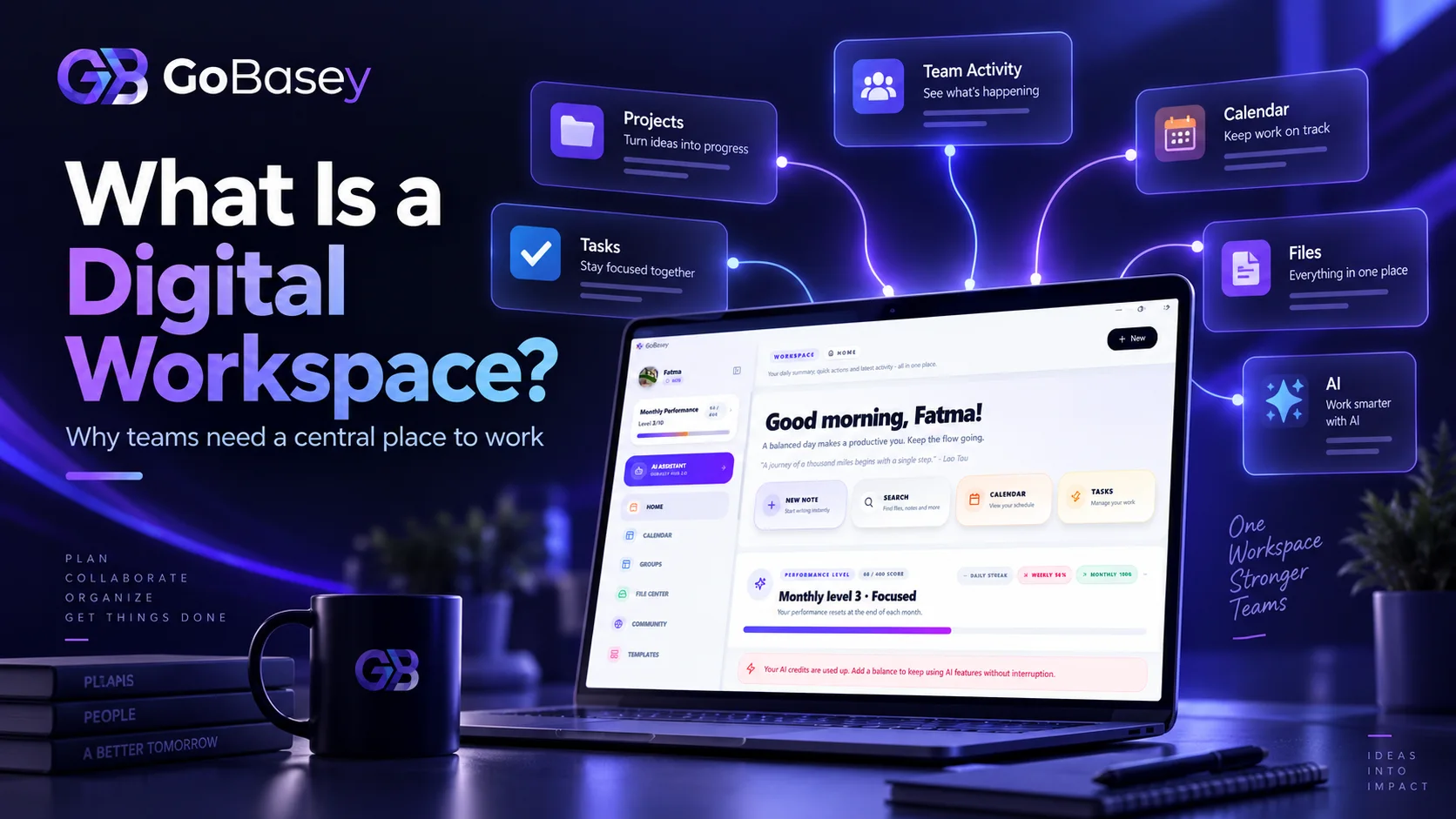
Think about the first few minutes of your workday.
You open your messaging app because a teammate asked about a file you shared yesterday. You switch to cloud storage to find it. Then you open your project management tool to check what needs to be done. Finally, you return to your notes because you cannot remember what was decided in the last meeting.
You have not started the actual work yet.
But you have already opened four different tools.
This is where one of the hidden problems of modern work begins:
before doing the work, people often have to find the context around the work.
Research published by Asana in 2026 found that employees can lose 57 minutes a day switching between collaboration tools and another 30 minutes deciding which collaboration tool to use for a particular task. In the same research, 74% of employees said they wanted their organizations to standardize a core set of collaboration technologies.
The problem is not necessarily that teams lack tools.
Often, they have too many disconnected ones.
That leads to a more useful question:
Do we need another work tool, or do we need a clearer place where work comes together?
That is where the idea of a digital workspace becomes important.
What Is a Digital Workspace?
A digital workspace is a shared digital environment where people can organize and access the tools, information, projects, tasks, and resources they need to get work done.
It is not simply another term for remote work.
And it is not just a collection of apps installed on the same computer.
A well-designed digital workspace gives people a clearer way to understand:
- what they are working on,
- what needs to happen next,
- where relevant information lives,
- who is responsible,
- how work is progressing.
Depending on the platform, a digital workspace may include:
- projects,
- tasks,
- task owners,
- deadlines,
- files,
- work notes,
- team information,
- project status,
- workflows,
- documentation,
- AI-assisted capabilities.
Zoho's 2026 guide describes a digital workspace as a place where employees can access the files, communication tools, and applications they need for daily work, while distinguishing a true workspace from a pile of disconnected applications.
Microsoft similarly describes digital workspaces as virtual environments that bring together tools, technologies, applications, data, and communication capabilities to help people work and collaborate from different locations.
The important point is not how many features a workspace contains.
It is this:
How easily can people reach the context they need to do their work?
Using Digital Tools Is Not the Same as Having a Digital Workspace
A company may use:
- email,
- team messaging,
- project management software,
- cloud storage,
- calendars,
- note-taking apps,
- AI tools.
That does not automatically mean the company has a well-organized digital workspace.
Having tools is one thing.
Having those tools support the same working context is another.
Imagine one task:
Task: Publish the new landing page.
The task itself is in the project management system.
The copy is stored somewhere else.
The design lives in another platform.
The latest feedback is buried inside a team conversation.
The final decision from the last meeting exists only in someone's notes.
There is one task.
But the context around that task lives in five different places.
At that point, the problem is not understanding what the task is.
The problem is finding everything required to complete it.
That distinction matters.
Why Do Teams Need a More Centralized Workspace?
One of the biggest challenges in modern work is not a shortage of software.
It is software abundance.
A new problem appears.
A new tool is added.
At first, the logic seems reasonable:
“We'll track this here.”
A few months later, the question becomes:
“Where did we put that?”
This is how fragmentation begins.
Information Becomes Harder to Locate
Imagine a document with three different versions.
Which one is current?
The copy sent in a team channel?
The version stored in cloud storage?
The file someone edited locally yesterday?
When information is scattered across platforms, finding the information is only part of the challenge.
You also need to determine which information is correct.
One advantage of a centralized workspace is the ability to keep the context closer to the work it belongs to.
The Status of Work Becomes Less Visible
A team can be extremely busy without having clear visibility into its work.
If a project manager constantly has to ask:
“What's happening with this?”
“Who owns this task?”
“Was the revision completed?”
“When will this be finished?”
the system may not be providing enough visibility.
A useful digital workspace should make as many of those answers visible as possible without requiring another meeting or message.
Switching Between Tools Can Break Focus
Opening three different applications for one task may not sound like a serious problem.
But when that behavior repeats throughout the day, the number of mental transitions increases.
This is often described as context switching.
The real cost is not always the few seconds required to open another tab.
It is the mental reset that follows.
You return to the original task and have to ask:
“Where was I?”
Tool fragmentation is one of the reasons context switching has become part of the productivity conversation.
CDW's 2026 workplace research similarly highlights fragmentation and technology sprawl as factors that can reduce visibility and create operational complexity.
What Should a Digital Workspace Include?
Instead of defining a good workspace by a long feature list, it is more useful to think about the problems it should solve.
Project Management
Projects contain multiple moving parts:
- goals,
- tasks,
- owners,
- timelines,
- files,
- progress.
A digital workspace should help people understand how those pieces relate to each other.
For example:
New Website
↓ Design ↓ Content ↓ Development ↓ Testing ↓ SEO Review ↓ Launch
The goal is not only to store the project name.
It is to make the state of the project understandable.
Task Management
Projects move forward through tasks.
At a minimum, a useful task system should answer:
What needs to be done?
Who owns it?
When is it due?
What stage is it in?
Breaking large projects into clear, manageable tasks makes daily work easier to understand.
Team Visibility
A digital workspace should not be designed only for managers.
Team members also need visibility into:
- their own work,
- current project status,
- priorities,
- upcoming deadlines.
A useful team system does more than collect information.
It makes the right information visible to the people who need it.
Files and Work Context
Finding a file is not always enough.
You also need to know what that file belongs to.
For example, knowing where:
final_v3_really_final.pdf
is stored is less useful if nobody knows which project it belongs to or whether it is still the current version.
Connecting files and information to the relevant work context can make a system much easier to understand.
Workflow Visibility
Work rarely moves directly from start to finish.
It goes through stages.
For example:
To Do → In Progress → Review → Done
A simple workflow like this gives the team a shared language.
Instead of asking a teammate where a task stands, the system can show it.
What Are the Benefits of a Digital Workspace?
The value of a workspace should not be measured by how many features it offers.
A better measure is:
How much friction does it remove from everyday work?
It Clarifies Where Work Lives
When a team uses a shared working environment, the answer to:
“Where is the task?”
becomes clearer.
That sounds simple.
But clarity about where work belongs is one of the foundations of coordination.
It Makes Ownership More Visible
“Someone was working on it.”
is not a task management system.
When a task clearly shows:
- the owner,
- the deadline,
- the current status,
responsibility becomes easier to understand.
It Can Reduce Time Spent Searching for Information
Keeping related information close to the work may reduce the need to:
- search old messages,
- browse multiple folders,
- ask teammates for the same information again.
There is an important distinction here.
A digital workspace does not have to replace every specialist application.
Designers may still need professional design software.
Developers may still need code repositories.
Finance teams may still use dedicated financial systems.
The goal is not to eliminate every tool.
The goal is to create a clear center for the work.
Tool Sprawl: The Hidden Cost of Too Many Apps
Adding a new application is easy.
Someone finds a tool that solves one problem.
An account is created.
Another team introduces another platform.
Eventually the organization may have:
- one project management tool,
- several messaging apps,
- multiple documentation systems,
- different file repositories,
- several AI tools.
This is often described as tool sprawl.
Tool sprawl does not simply mean “using many applications.”
Specialist tools can be completely justified.
The problem begins when:
the same working context is unnecessarily divided across too many systems.
ClickUp itself describes tool sprawl as a situation where work becomes fragmented across multiple applications that do not communicate effectively with one another.
More software does not automatically mean a more advanced working system.
Sometimes progress means reducing unnecessary tool switching.
Does One Workspace Mean Doing Everything in One App?
No.
That distinction is important.
A single workspace approach does not mean:
delete every piece of software your company uses.
A more realistic goal is:
create a common center for work.
A designer can continue working inside a design platform.
A developer can continue using a code repository.
An accountant can continue using financial software.
But information such as:
- project goals,
- tasks,
- owners,
- deadlines,
- current status
can still remain visible in the team's shared working environment.
Specialist applications then become places where specific work is produced, while the digital workspace becomes the place where the work is organized.
That model is often more sustainable than trying to force every activity into one application.
Why Digital Workspaces Matter for Remote and Hybrid Teams
In a physical office, some information spreads naturally through proximity.
You can turn to a colleague and ask:
“What happened with that task?”
Distributed teams do not have that same shortcut.
The system itself needs to provide more of the context.
When people work across cities, countries, or time zones, the digital workspace increasingly becomes a form of shared office.
A well-organized workspace can support:
- asynchronous work,
- clearer task visibility,
- fewer status-check meetings,
- easier onboarding,
- access to work context across locations.
A healthy remote-work system therefore depends on more than video calls.
People also need to be able to find the information they need without relying on physical proximity.
How Is AI Changing the Digital Workspace?
AI is becoming another layer of the modern workspace.
But adding an AI button to a product is not the same as giving AI access to meaningful work context.
Imagine asking:
“What is happening with this project?”
To give a useful answer, the AI may need to understand:
- the project itself,
- open tasks,
- completed tasks,
- deadlines,
- project notes,
- recent decisions.
Without that context, the answer can only go so far.
This is why the value of AI in a workspace may increasingly depend on its ability to work inside the context of the work, rather than simply generate more content.
The important question is not:
“Does this product have AI?”
It is:
“What real workflow problem does the AI solve?”
GoBasey: Giving Work a Clear Home
GoBasey's brand idea:
Your Base. Your Way.
fits directly into the digital workspace conversation.
The underlying idea is simple:
work should have a clear home, without forcing every team into the same way of working.
That means thinking beyond a basic to-do list.
A broader workspace connects concepts such as:
Project + Task + Team + Information + Work Context
around the same working environment.
Instead of asking people to remember where every part of the work lives, the workspace should make those relationships easier to understand.
What Problem Is GoBasey Trying to Solve as a Digital Workspace?
Different teams experience different symptoms.
One team may say:
“We cannot keep track of the work.”
Another may say:
“The tasks are clear, but the information is scattered.”
Another may say:
“We keep switching between too many applications.”
The common problem is not always the number of tasks.
Often, it is:
fragmented work context.
GoBasey's workspace approach is built around making projects, tasks, team work, and related information easier to organize around a shared center.
A team can think about work as:
Project
↓ Tasks
↓ Owners
↓ Deadlines
↓ Files
↓ Work Notes
↓ Team Activity
The goal is not to display more features.
It is to make the work easier to understand.
Who Can Benefit From a Digital Workspace?
There is no single use case.
Small Teams
People in small teams often carry several responsibilities.
One person may speak with clients, prepare content, create tasks, and monitor project progress.
When roles overlap, visibility becomes especially important.
A shared workspace can make responsibilities, priorities, and current work easier to understand.
Startups
Startups often run several functions at the same time:
- product,
- marketing,
- sales,
- operations.
And because the team is small, the same people may contribute across several areas.
A centralized workspace can help prevent those functions from becoming completely disconnected.
Agencies
Agencies may manage several clients at once.
For example:
Client A → Website
Client B → Social Media
Client C → SEO
Each client may have different:
- tasks,
- deadlines,
- files,
- team members.
Maintaining context becomes especially important when work is spread across multiple clients and projects.
Freelancers
Being a team of one does not eliminate the need for a working system.
A freelancer may be managing:
- several clients,
- payment dates,
- deliverables,
- revisions,
- deadlines.
A centralized workspace can reduce the risk of mixing information between projects.
Distributed Teams
When people work at different times, not everyone can be online together.
That means chat alone is rarely enough to manage work.
The workspace itself needs to show what is happening.
What Should You Look for in a Digital Workspace?
Before asking how many features a platform offers, start with a few more useful questions.
What Problem Is the Team Actually Trying to Solve?
Start with the problem.
Are tasks getting lost?
Are files difficult to find?
Are deadlines being missed?
Are people switching between too many tools?
Is project status unclear?
Choosing software before defining the problem can simply create another complicated system.
What Does the Team Do Every Day?
A platform may offer hundreds of capabilities.
But if your team's everyday work mainly involves:
- creating tasks,
- sharing files,
- tracking deadlines,
- checking project status,
those needs should shape the decision.
Can Everyone Understand the System?
If only the person who designed the workspace understands how it works, the system becomes fragile.
A new team member should not need hours of explanation to understand:
“Where does this go?”
Is Context Preserved?
A task name alone is rarely enough.
Can people understand:
- which project the task belongs to,
- why the work matters,
- which files are relevant,
- who owns it?
A good workspace does not simply store information.
It preserves the relationships between information.
More Tools or Less Friction?
It is easy to turn workspace selection into a feature contest.
One product offers:
100 features.
Another offers:
150.
Another says:
“We have AI too.”
But the real problem for many teams is not a lack of features.
It is:
how much friction exists between a person and the work they need to do.
Real productivity can come from:
- removing unnecessary steps,
- making information easier to find,
- improving project visibility,
- reducing unnecessary tool switching.
So instead of asking:
“How powerful is this application?”
a more useful question may be:
“How easily does this application let our team get to the work?”
Common Mistakes When Moving to a Digital Workspace
Replacing Everything Overnight
Building a new working system does not mean immediately abandoning every existing tool.
Start by identifying which parts of the work need a clearer central home.
Then change the system gradually.
Copying the Old System Exactly
Moving every piece of old complexity into a new workspace is not transformation.
A migration is also a chance to ask:
“Do we still need this?”
Creating Too Many Statuses and Categories
If the team actually works through:
To Do → In Progress → Done
creating 14 different task states will not necessarily improve visibility.
It may simply make the system harder to use.
Designing the Workspace Only for Managers
A workspace is not only a reporting dashboard.
It is also where people do the work.
If everyday use becomes difficult, teams eventually return to old habits and old tools.
8 Questions to Test Your Current Digital Workspace
Ask yourself:
- Can I see what I need to do today from one clear place?
- Can I tell who owns a task?
- Can I understand project status without scheduling a meeting?
- Can I find the files and information connected to a task?
- Are we entering the same information in several places?
- Do I constantly need to ask teammates for status updates?
- Do I open too many applications just to complete one piece of work?
- Can a new team member understand the system without a long explanation?
If most of your answers are no, the problem may be bigger than choosing a new task management app.
It may be time to rethink the workspace itself.
Conclusion: A Better Digital Workspace Is Not About Adding More Tools
As teams become more digital, it is easy for the number of tools to grow with them.
A new need appears.
A new application gets added.
Over time:
the task is in one place,
the file is somewhere else,
the conversation lives in another tool,
and the decision is buried somewhere else again.
The problem becomes fragmentation.
That is why a modern digital workspace should do more than store information.
It should preserve the context around the work.
It should help people understand:
what needs to be done,
who owns it,
when it is due,
what stage it is in,
and where the related information lives.
That is the idea behind GoBasey's:
Your Base. Your Way.
Give your work a clear center.
But make that center flexible enough to support the way your team actually works.
Because a good workspace does not force people to use more tools.
It makes it clearer where work belongs.
Frequently Asked Questions
What is a digital workspace?
A digital workspace is a shared digital environment where people can organize and access the projects, tasks, files, information, tools, and team resources they need to work.
What does workspace mean?
In software, a workspace is a shared environment where individuals or teams organize work-related information, projects, tasks, files, and resources.
Is a digital workspace the same as project management software?
Not exactly.
Project management software focuses primarily on planning, organizing, and tracking projects. A digital workspace can have a broader role, connecting projects and tasks with files, information, documentation, collaboration, and other parts of work.
Does using one workspace mean replacing every application?
No.
Specialist software for design, development, finance, or other functions may still be necessary. The goal is not to eliminate every application, but to create a clearer shared center for the work.
Do small teams need a digital workspace?
Not every small team needs a complex workspace.
But when projects, tasks, files, and team information begin to spread across several systems, a shared working environment can make coordination easier.
Can AI be part of a digital workspace?
Yes.
AI can support tasks such as summarization, information organization, task creation, and other workflow assistance. The important question is whether AI solves a real problem inside the team's daily workflow.
Related articles
Looking for a ClickUp Alternative? A More Centralized Workspace with GoBasey
Give your work a clearer home. Explore how GoBasey can help you organize projects, tasks, and team work in one flexible workspace
AI and Productivity: How AI Is Changing the Way We Work
Explore how AI is changing workplace productivity, where it saves time, where it falls short, and why context and workflow matter more than adding more AI tools.
GoBasey AI Workspace: Notes, Files, and Team Flow in One Place
A practical product overview for teams that want notes, files, AI assistance, and execution context in one calm workspace.